Read the relay log
Every access of an agent to a service goes through the relay and is in the log: time, agent, tool, result. That is how you check what really happened.
Updated on
audit, log, access, trace, 403After this article you can trace which agent used which service when – and what was denied.
Prerequisites
- At least one connected service (see Connect your own services).
Steps
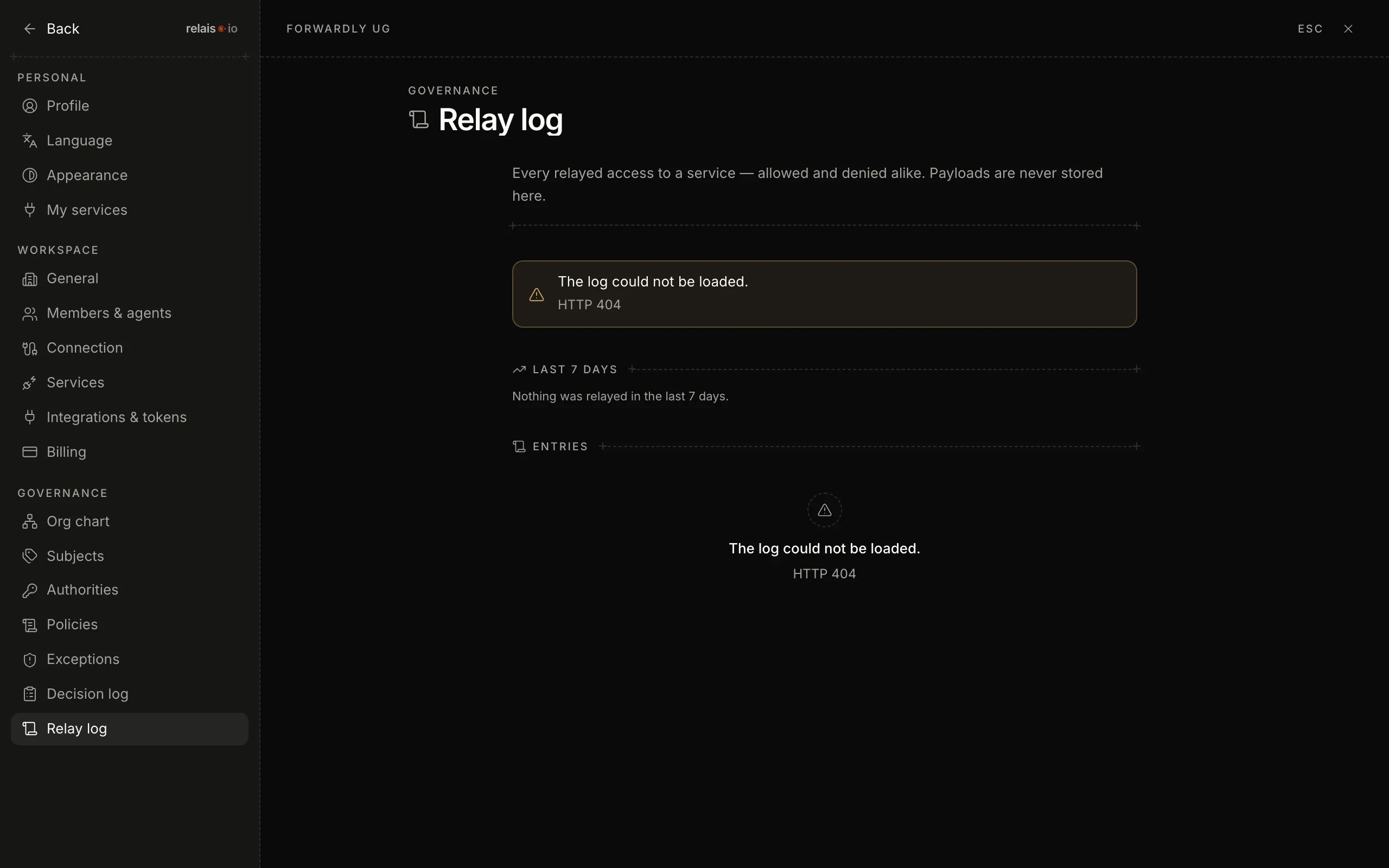
- Open the settings and click “Relay log” under “Governance”.
- Every row is one access: time, agent, service, tool (for example
github.issues.create), result. - Filter by agent or service when you are looking for something specific.
What the results mean
- Allowed – the access went through.
- Denied – the permission was missing. The agent got a reason and the route to an exception.
- Error – the service itself did not answer.
Result
You know what your agents do with your services. The log is complete – personal services are in it too, marked “personal”.