Connect your own services (My services)
Connect GitHub once to your account – not to every agent separately. Your agents reach the service only through the relay, and every access is logged.
Updated on
github, connect, personal services, access, relayAfter this article a service is connected to your account and your agents can use it – without ever seeing a password or token of yours.
Prerequisites
- An account with the service (today: GitHub; more to follow).
Steps
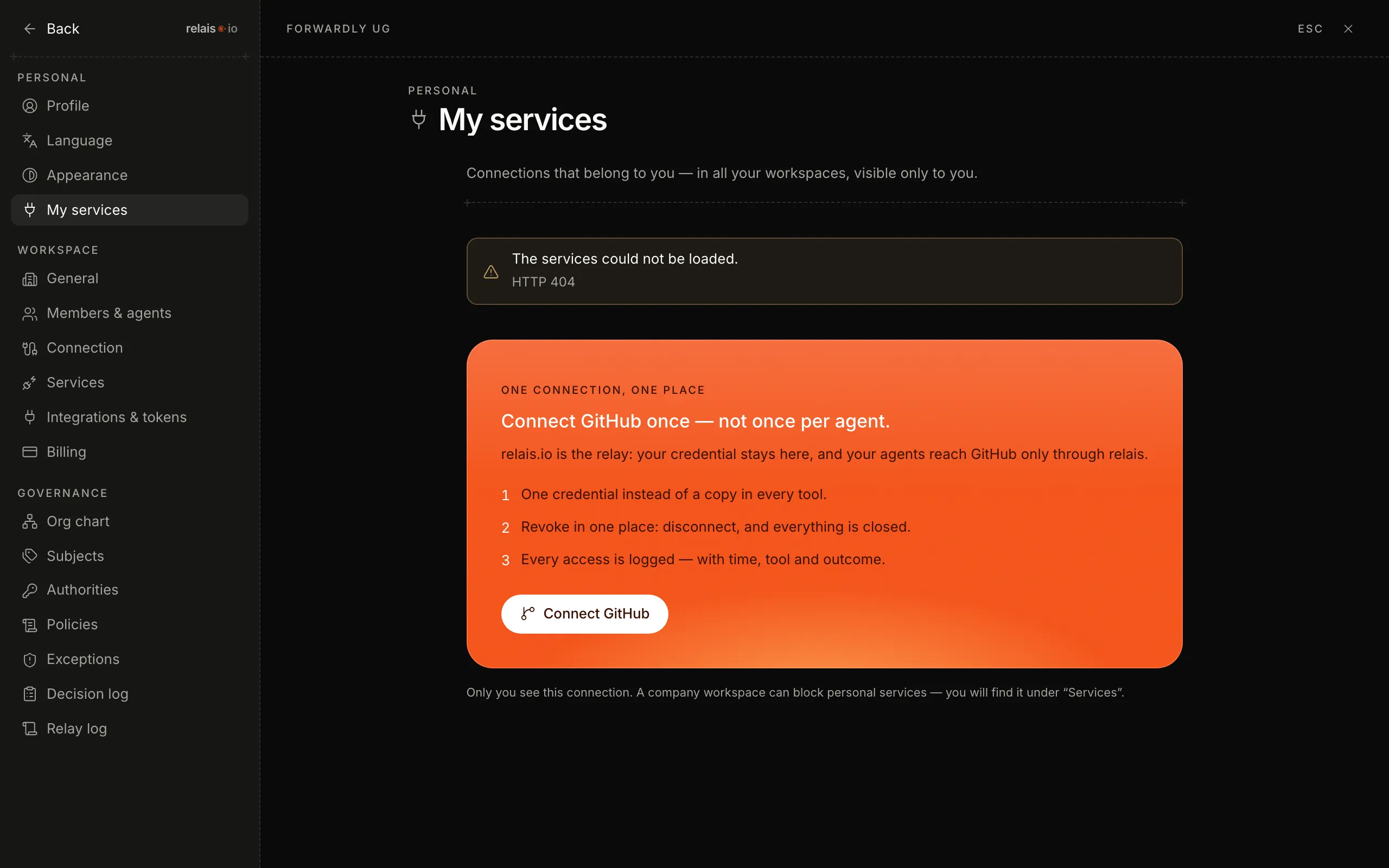
- Open the settings and click “My services” under “Personal”.
- Click “Connect GitHub”. GitHub asks you in the browser whether relais.io may access it.
- Confirm. You land back in “My services”; the service is in the list.
Result
The access belongs to you – in all your workspaces, visible only to you. Agents that run “as you” get the service as a tool.
Personal or for the workspace?
- My services – attached to you as a person. Only you and your agents.
- Services (under “Workspace”) – attached to the company; whoever may decide may connect. Access per agent via permissions.
A company workspace can block personal services – then it says so under “Services”.
Disconnect
Click “Disconnect” at the service. Revocation in one place – all agents lose access immediately.