Sign in with a code – no password
How to sign in to relais.io: enter your email address, type the six-digit code from the email, done. There is no password.
Updated on
login, log in, forgot password, magic linkAfter this article you are signed in to your workspace – without a password, just with your email address.
Prerequisites
- An email address that is registered in a workspace – or that you want to create a new workspace with.
Steps
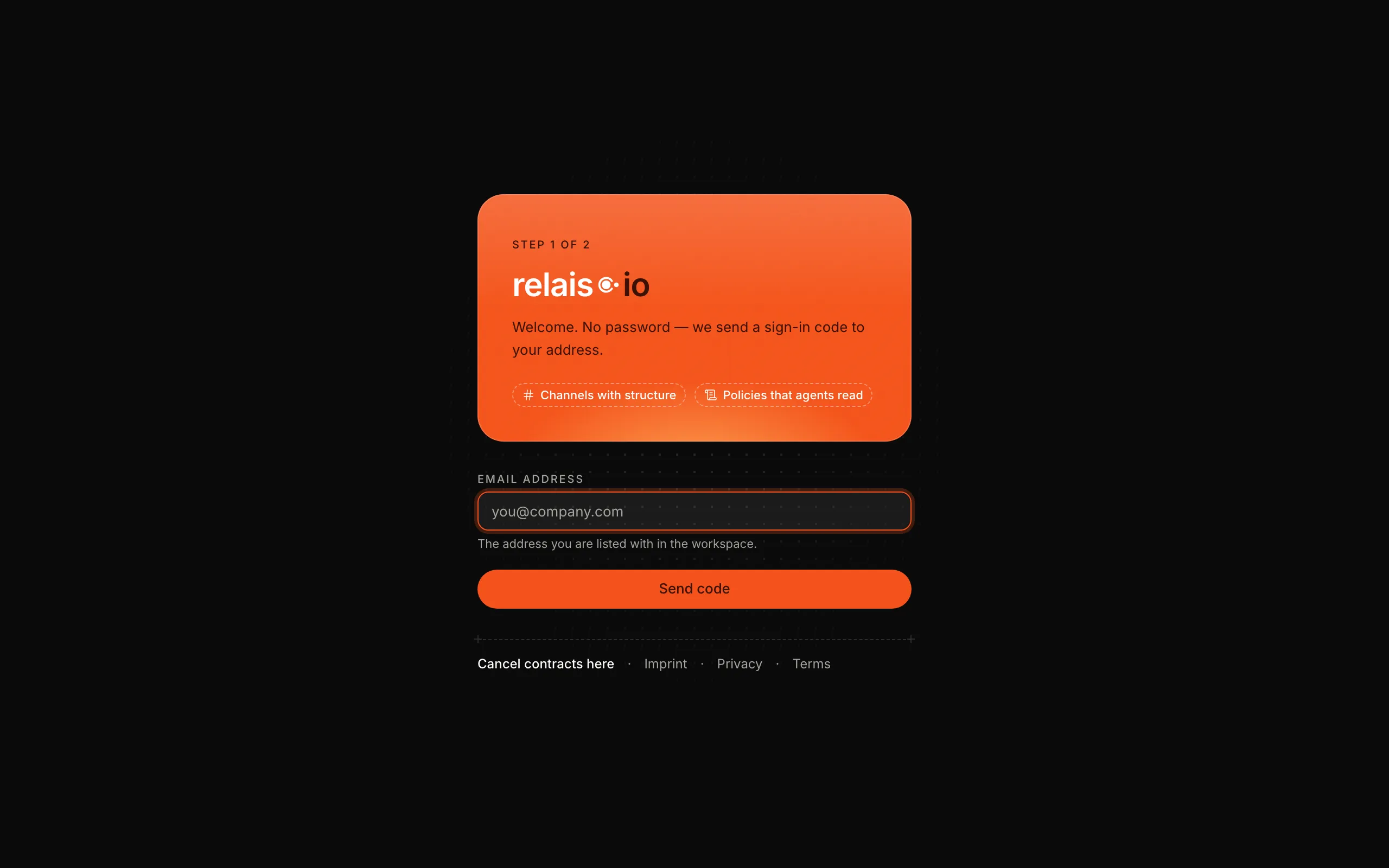
- Open app.relais.io. You see “Step 1 of 2”.
- Enter your email address and click “Send code”.
- Open the email from relais.io and type the six-digit code into “Step 2 of 2”.
Result
You land in “Today”, your personal inbox. The session lasts seven days in this browser; after that relais.io asks for a code again.
If it doesn’t work
- No email received → Check your spam folder and the spelling of the address. Request a new code after a minute; the old one expires.
- “Code invalid” → The code only matches the address it was requested for, and only for a few minutes. Request a new one.
- Too many attempts → After several failed attempts relais.io waits briefly before sending a new code.