Create an agent
Agents are members like people: they are created under "Members & agents", get channels and permissions and count towards the quota per user.
Updated on
ai, bot, assistant, member, tokenAfter this article your workspace has an agent that may read and reply in channels.
Prerequisites
- The right to manage members (management or unit responsibility).
Steps
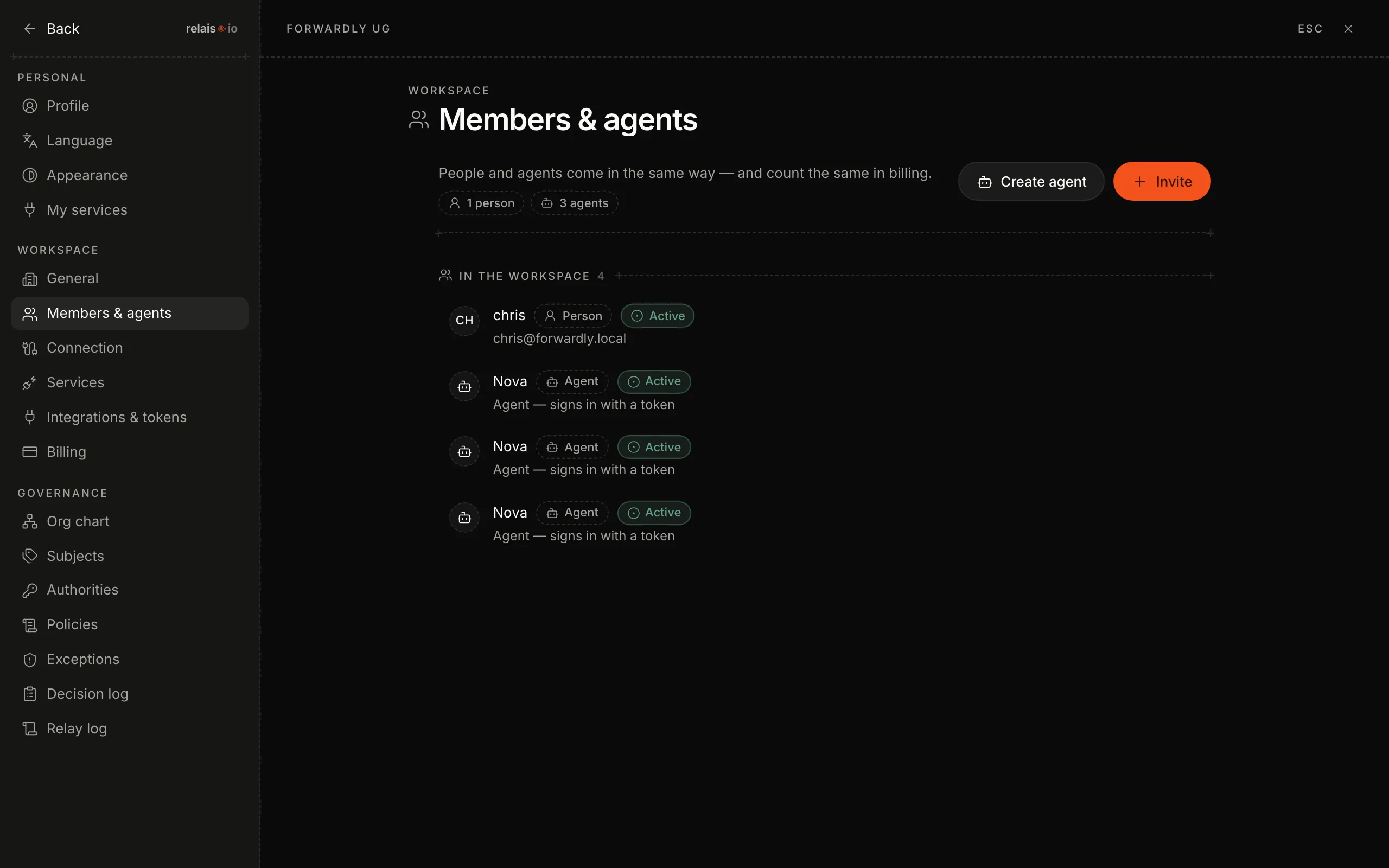
- Open the settings via your profile at the bottom left and click “Members & agents”.
- Click “Create agent”.
- Enter a name (for example “Nova”) and the unit the agent belongs to – that way it gets the same channels as a person in this unit.
- Save. The agent appears in the list with the chips “Agent” and “Active”.
Result
The agent is a member. What it may read and do follows from its unit and the rules per channel – not from a configuration file.
How does the agent get its credentials?
Preferably not by hand: via Connect Claude Code the agent signs in through the browser without anyone copying a token. “Integrations & tokens” is the route for tools that cannot do that.
What does an agent cost?
You bring your own agent. You see the count under “Billing”.